WRITE IT DOWN
Notes
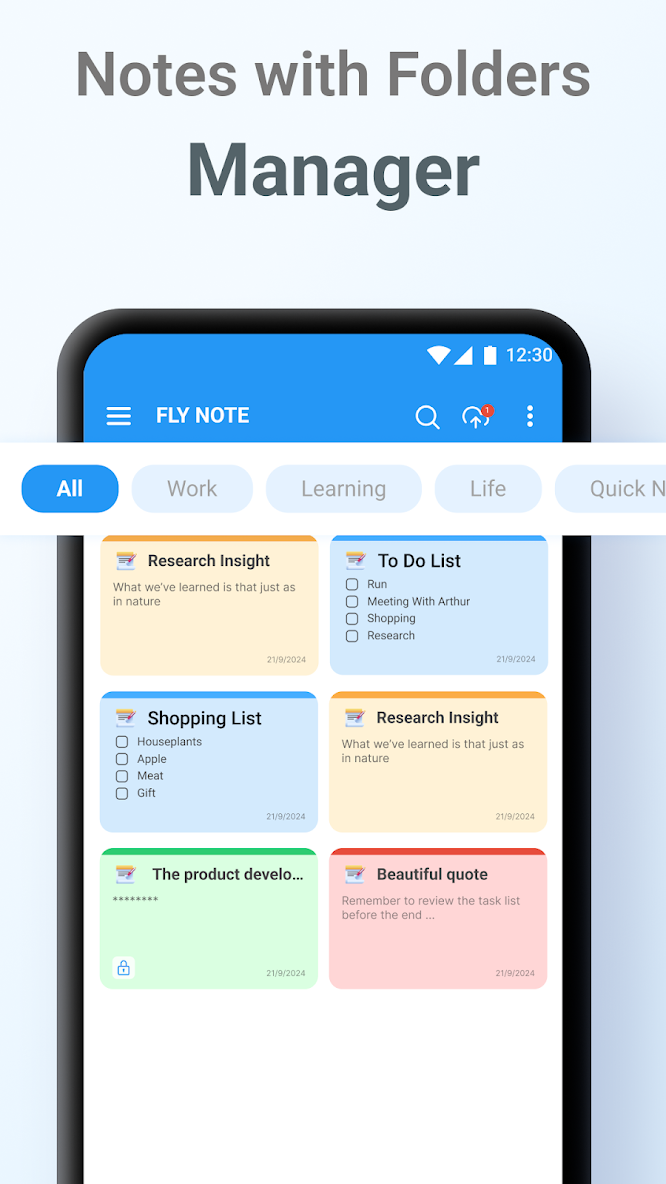
Keep class notes, work ideas, and passing thoughts together.
 FlyNote.
Get FlyNote
FlyNote.
Get FlyNote
Capture ideas, create checklists, and organize your day with a notebook you can make your own.
A notebook that goes with you.
Made for your everyday.
NOTES & CHECKLISTS
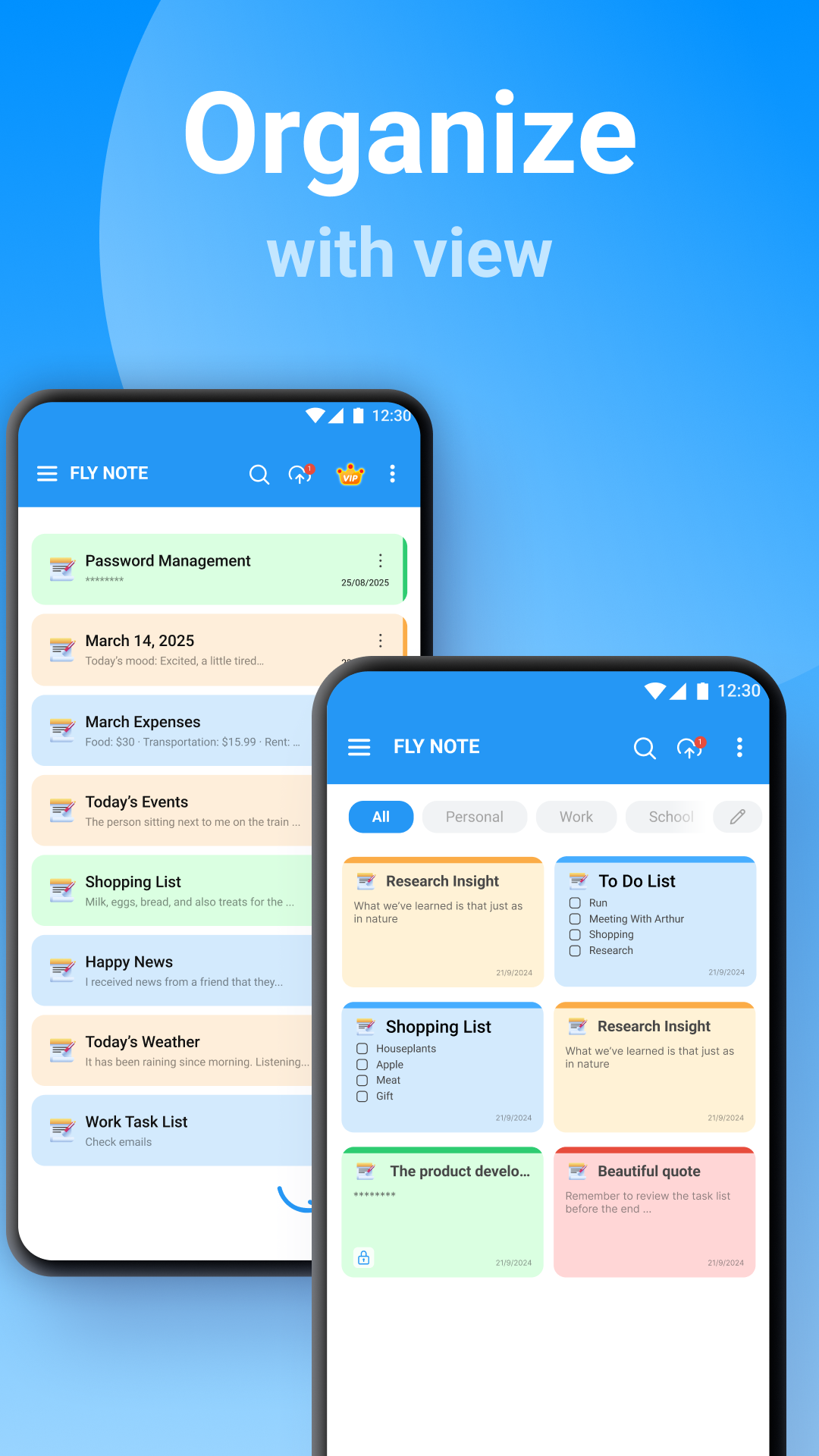
Create note/checklist with just one tap.
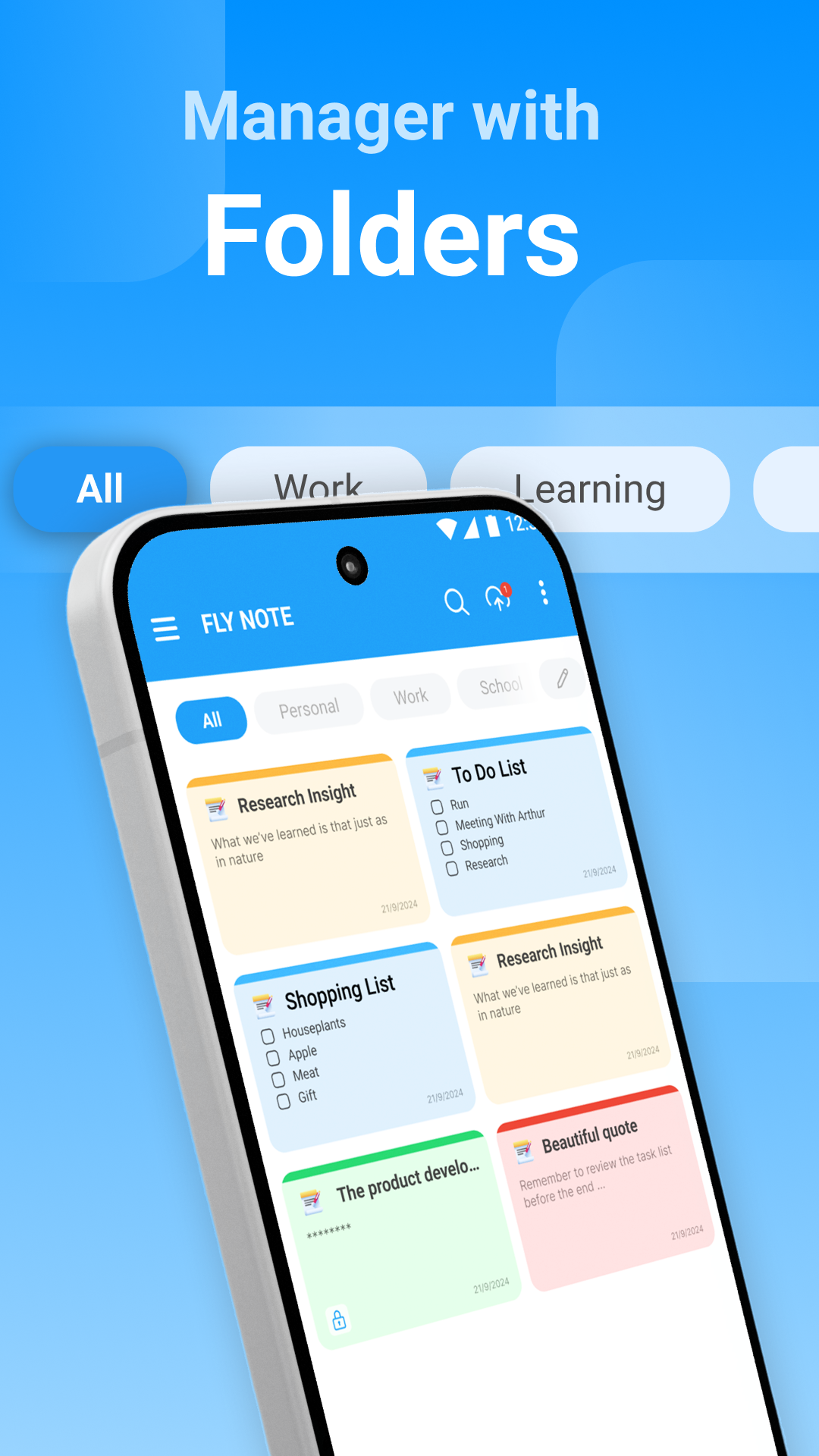
Keep class notes, work ideas, and passing thoughts together.
Create shopping lists and daily tasks, then check them off as you go.
A PLACE FOR THE EVERYDAY
One simple notebook.
So many ways to use it.
Give ideas, class notes and little reminders a place to land.
A story to write.
A place to visit.
Something worth
remembering.
Turn tasks and plans into simple checklists.
Choose themes and backgrounds that give your notes a personal touch.
Take the scenic route.
Try something new.
MORE WAYS TO MAKE IT WORK
Find the notes you need with search.
Personalize your notebook with themes and backgrounds.
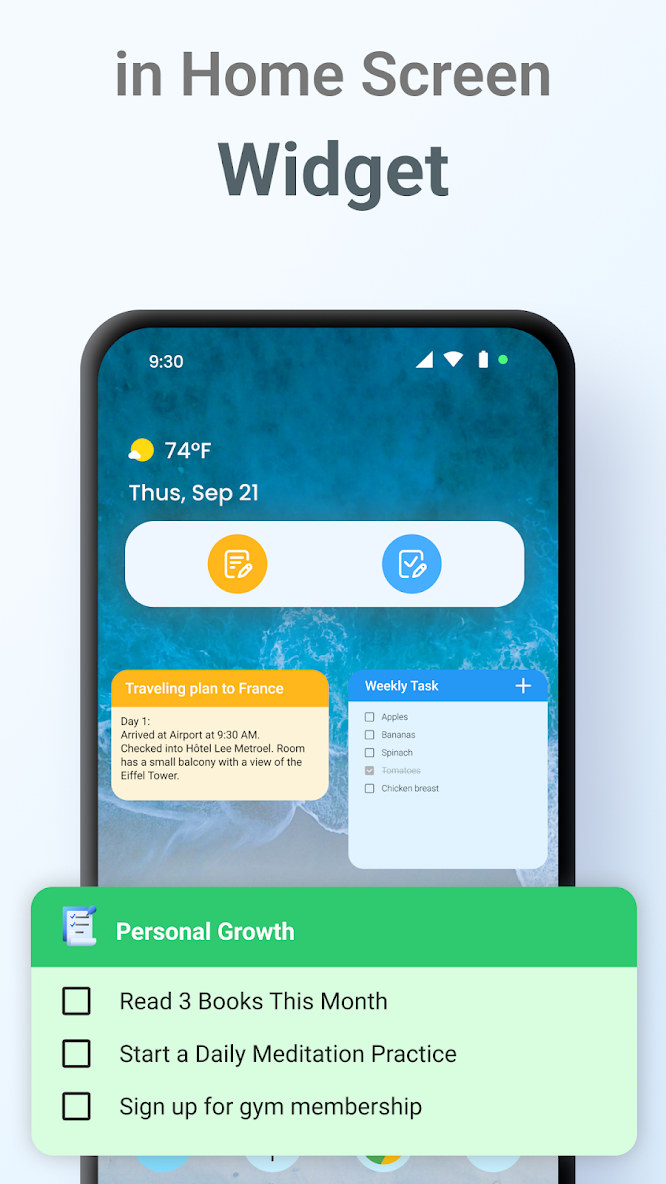
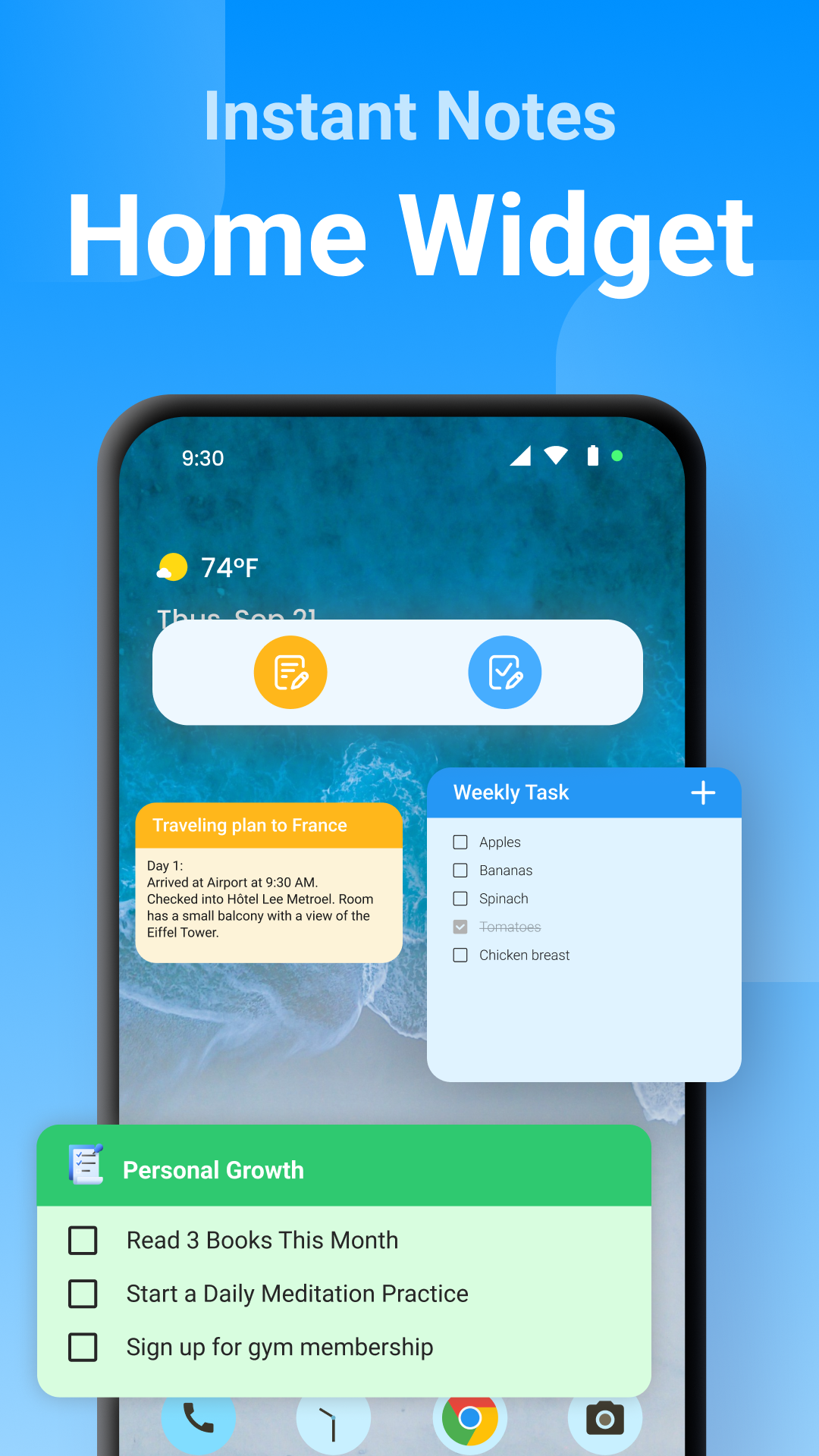
Use widgets, shortcuts, and reminders to keep notes within reach.
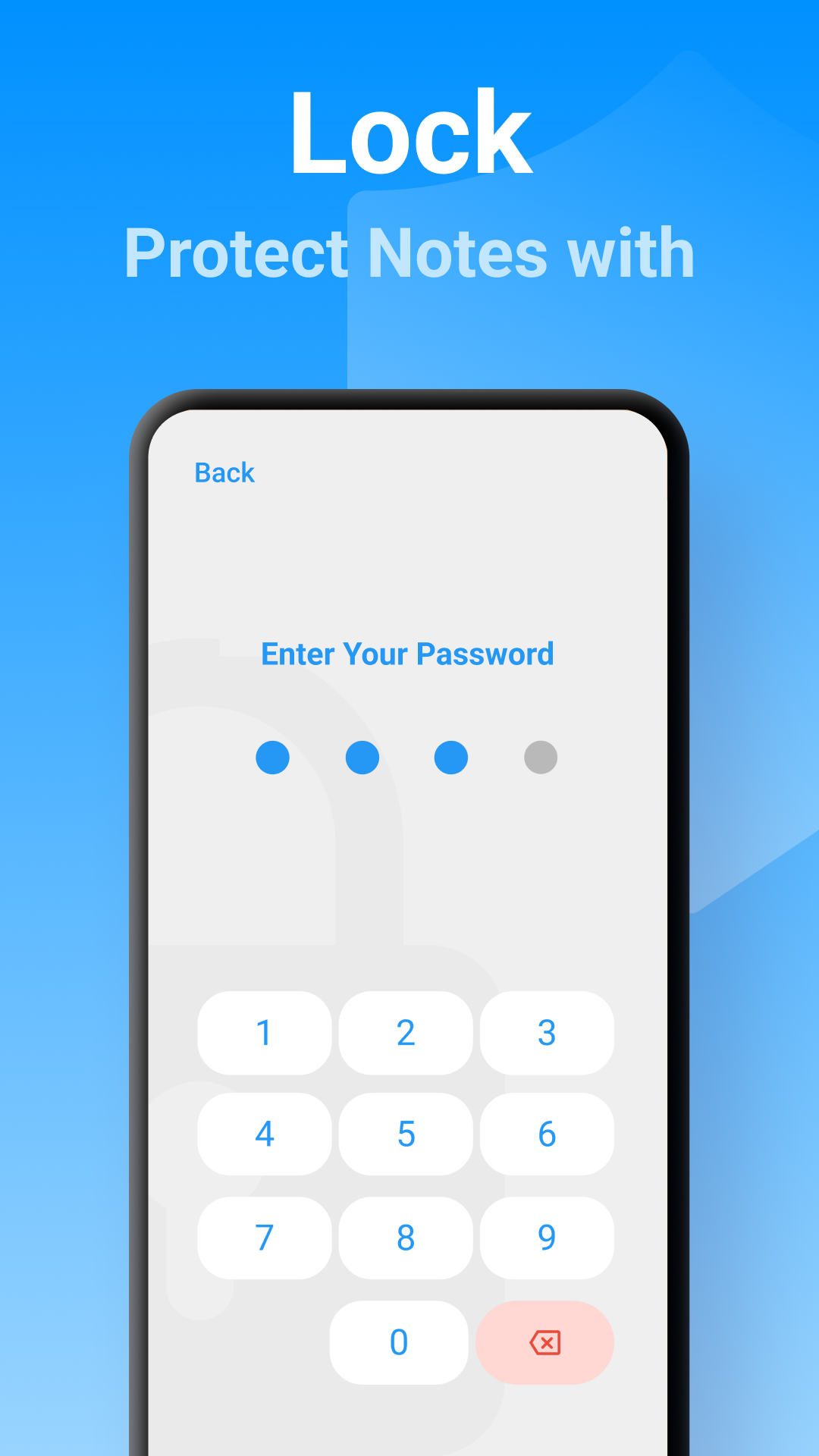
Protect personal notes and checklists with a password.
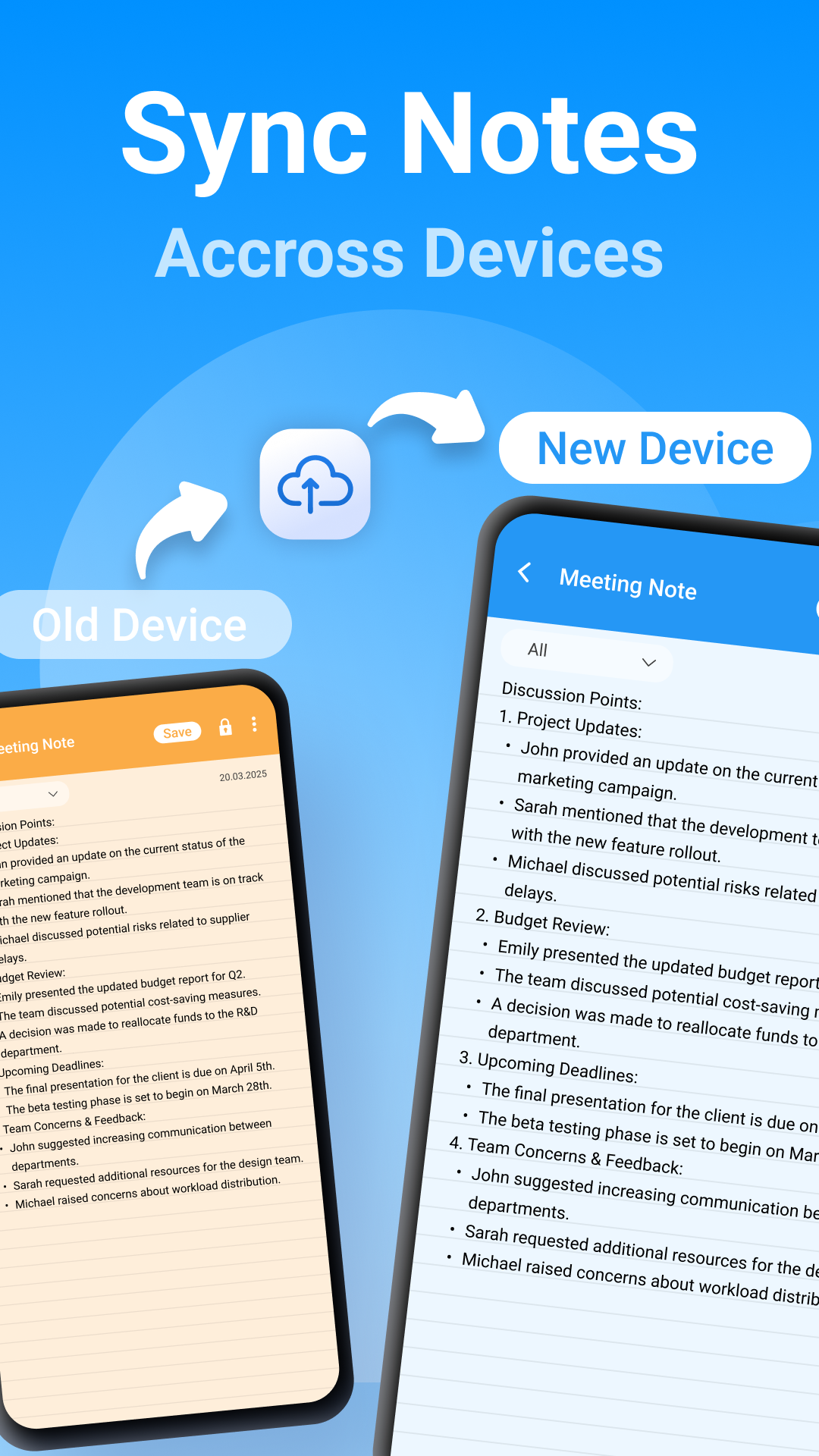
Sync and back up with Google Drive, or restore deleted notes from the trash.
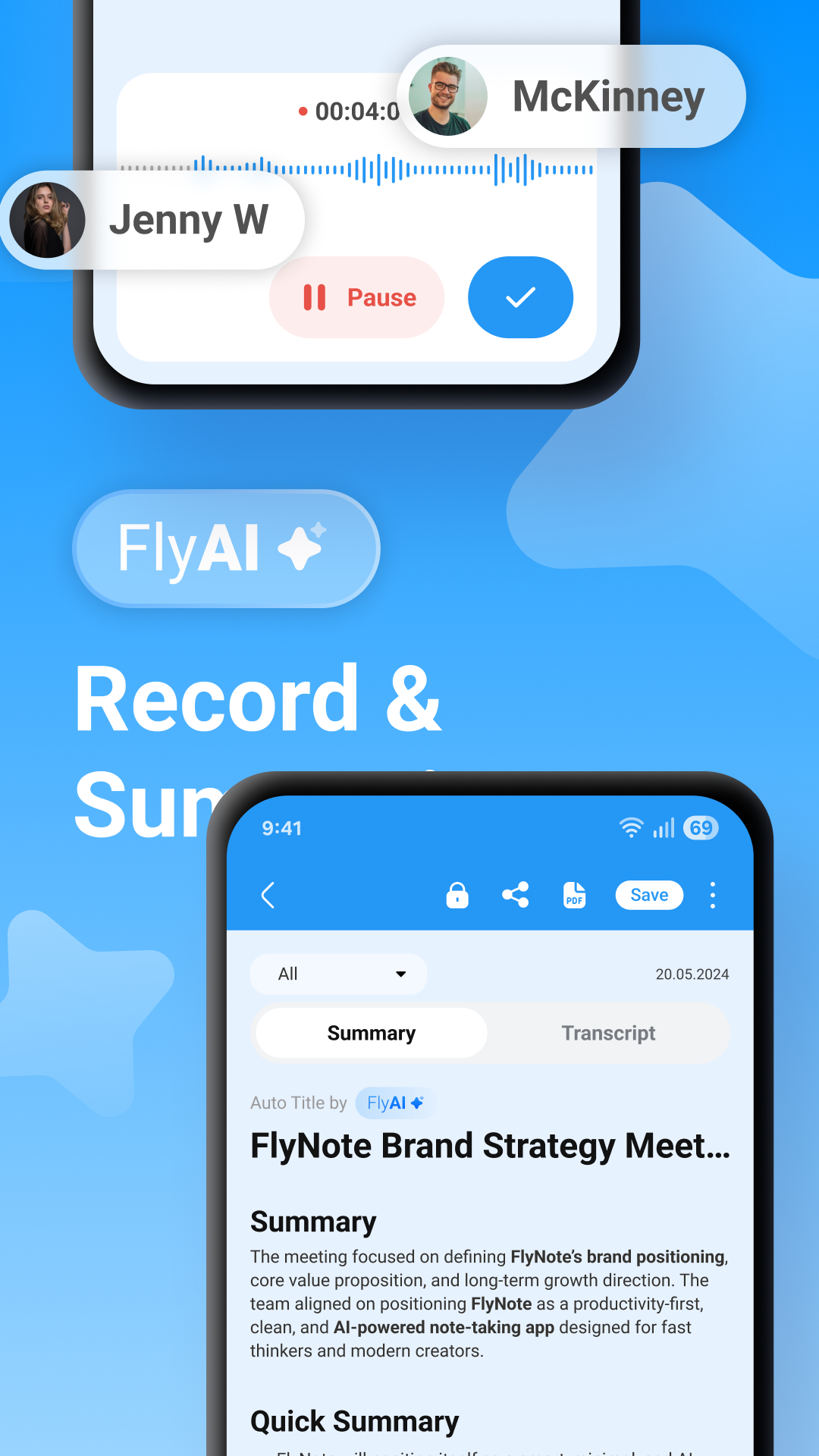
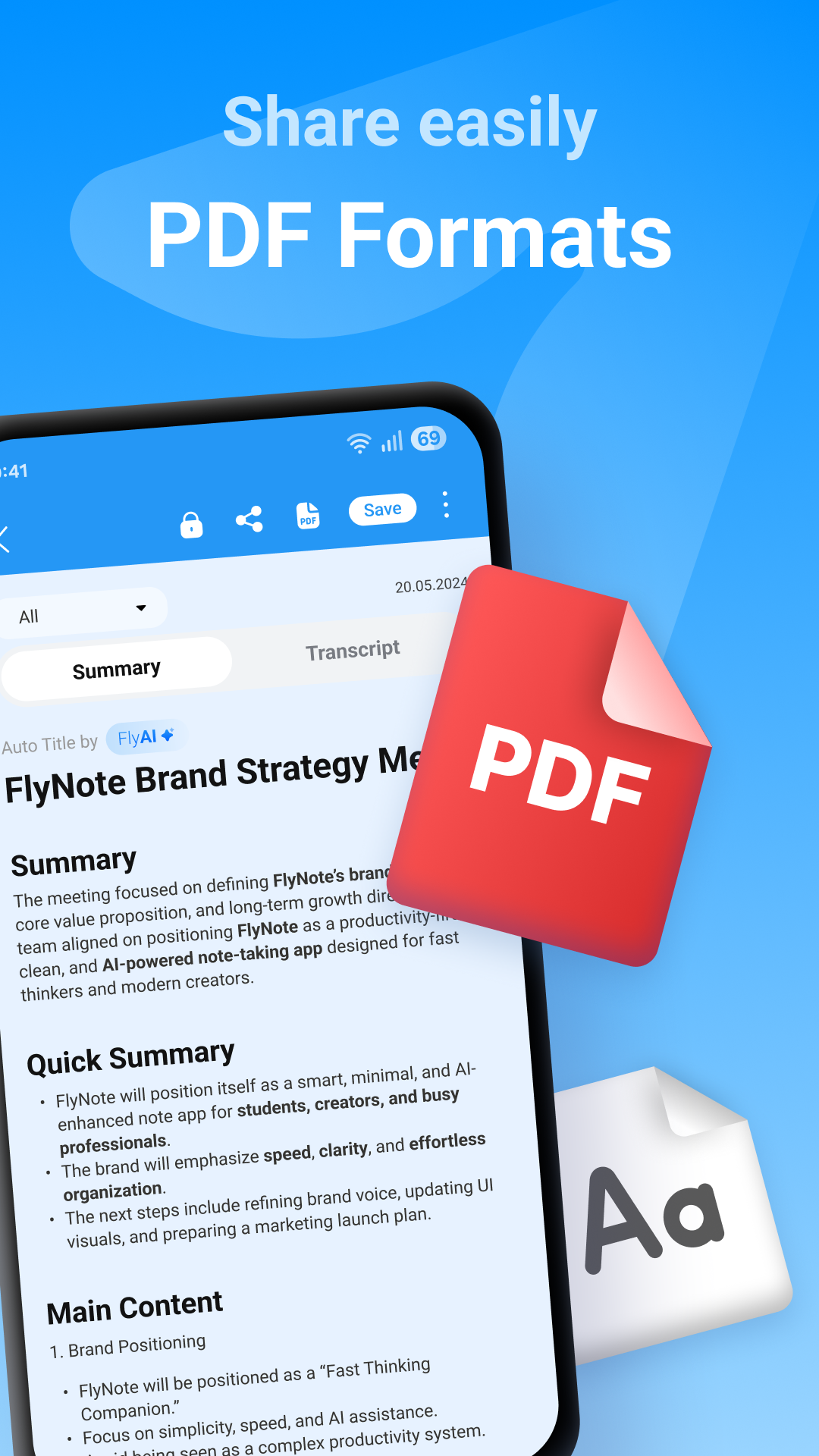
Share your notes with others or export them as a PDF.
Inside FlyNote
MAKE A LITTLE ROOM
Start with one note. See where it takes you.
Get FlyNote on Google Play